Yono Slots App Download – Get Up Bonus & Easy Withdrawal Money
Today
69.7MB
Latest
Android phone
4566k

Description
Hi Friends! A brand-new gaming app, Yono Slots App, has just been launched in the market with exciting features. If you enjoy mobile games, you can explore this app on your Android phone. Download and enjoy its gaming experience. Before playing, make sure to check the app’s terms, conditions, and payment policies. Play responsibly and never deposit money you cannot afford to lose.

Yono Slots App

Friends, Yono Slots App offers a variety of exciting games that you can explore and enjoy according to your interests. You can choose any game you like and experience its exciting features. To download the app, simply click on the Download button provided above. From there, you can easily download and install Yono Slots App on your Android phone. So, explore the available games and exciting offers today! Before playing, make sure to read all the terms and conditions carefully.
Yono Slots App – Deposit Money Guide | Easy & Secure Payment Process
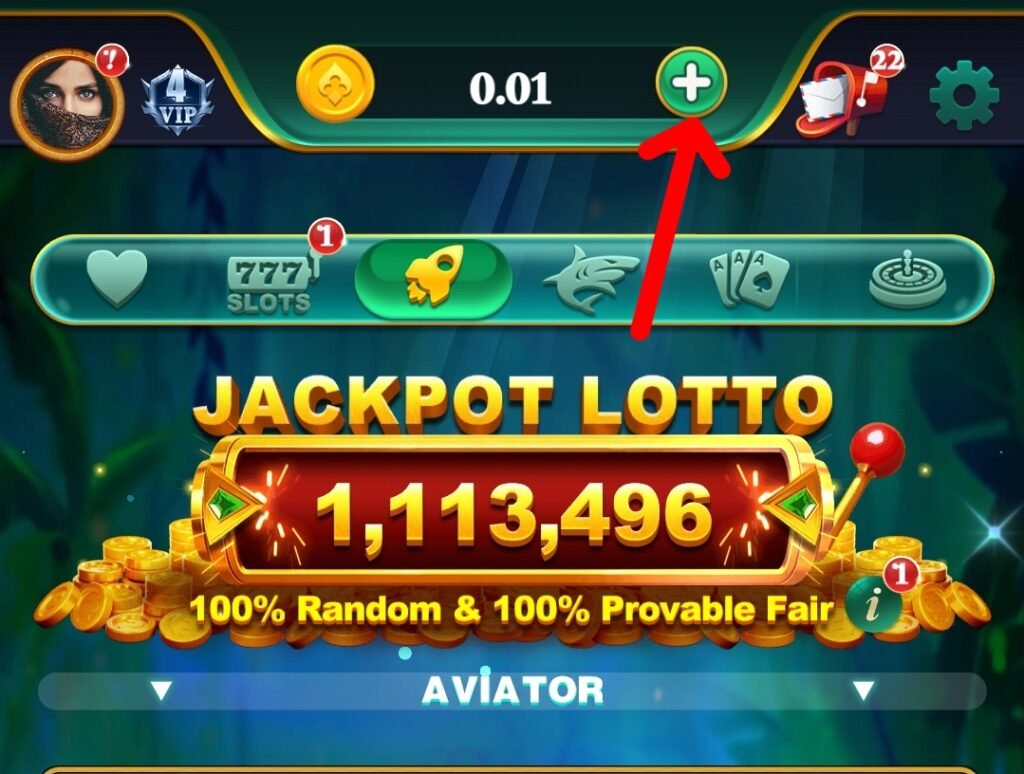
Friends, if you wish to deposit money into the first open the game on your device. Once the game is open, you will see a Plus (+) icon on the screen. Click on that icon to view the available deposit options. From there, you can check the available payment methods and deposit information. Before making any payment, carefully read all the terms and conditions and verify the app’s payment policies.
Yono Slots App Share & Earn – Invite Friends and Get Exciting Rewards
Friends, if you want to share the Yono Slots App with your friends and family, you can easily do so. The company claims to offer up to 65% cash bonus through its referral program. Please check the bonus terms and withdrawal conditions before participating.
Now, let us explain how to share the app. First, open the Yono Slots App. After opening it, click on the Refer & Earn option. Then, click on the My Rewards option at the top. From there, you can share the app link with your friends using available platforms such as WhatsApp, Telegram, Facebook, and other social media platforms.
This way, you can easily share the app with your friends.
Yono Slots App Bank Account Verification – Easy Step-by-Step Guide
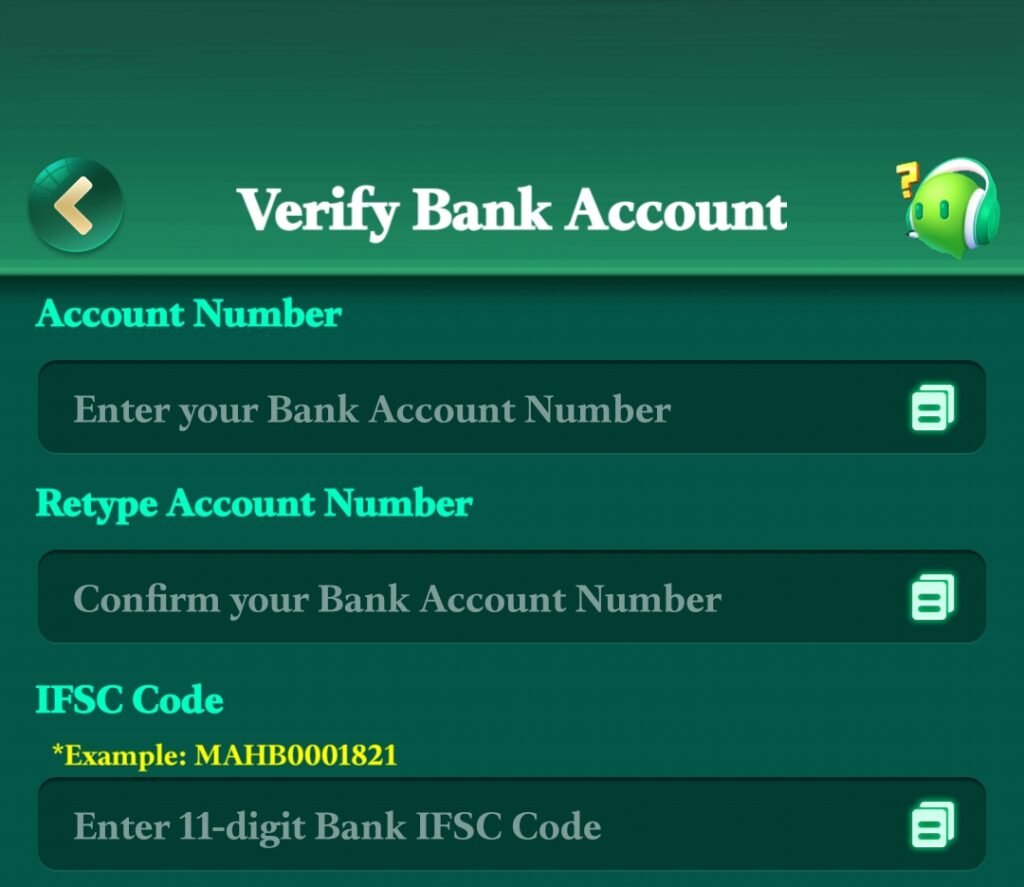
Friends, if you want to transfer your available balance from Yono Slots App to your bank account, you need to follow a few simple steps.
So, friends, let us explain how to check the withdrawal process. First, open the Yono Slots App. Once the game is open, you will see the Bank option at the bottom of the screen. Click on it. After that, look for the Withdrawal option at the top-right corner and click on it. From there, you can view the available withdrawal process and payment details.
Friends, before requesting a withdrawal, carefully check your bank account details, minimum withdrawal amount, and all terms and conditions. Please remember that withdrawals are subject to the app’s payment policies.
What's new